














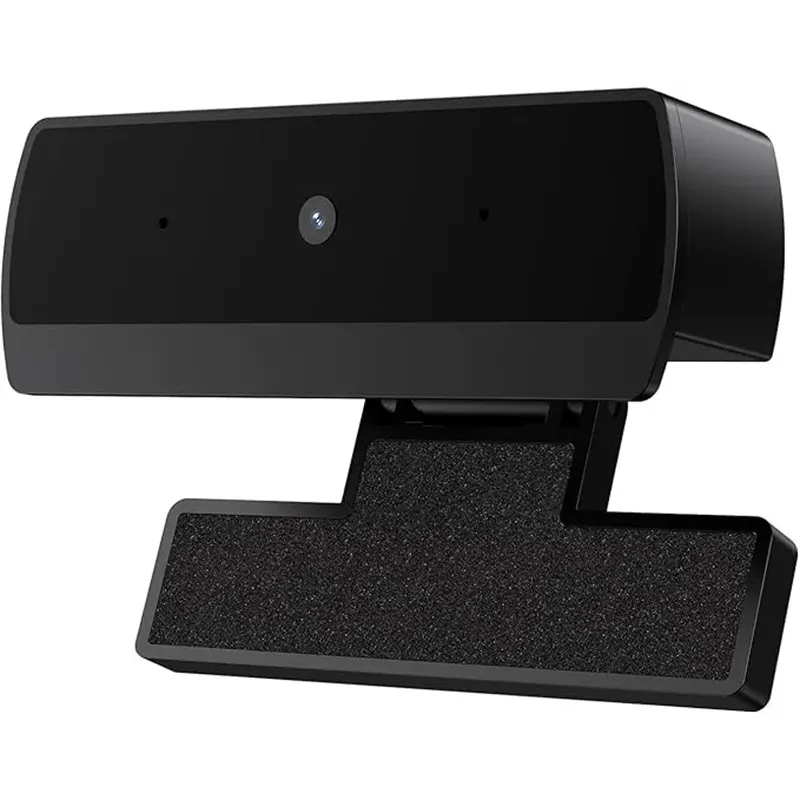





Webcam for PC with Microphone, HD 1080P Streaming Web Cam, Plug and Play, Noise-Reducing Mic, USB
13.95 JOD
In stock
Related products







Webcam for PC with Microphone, HD 1080P Streaming Web Cam, Plug and Play, Noise-Reducing Mic, USB
More about Webcam HD 1080P USB
About this item
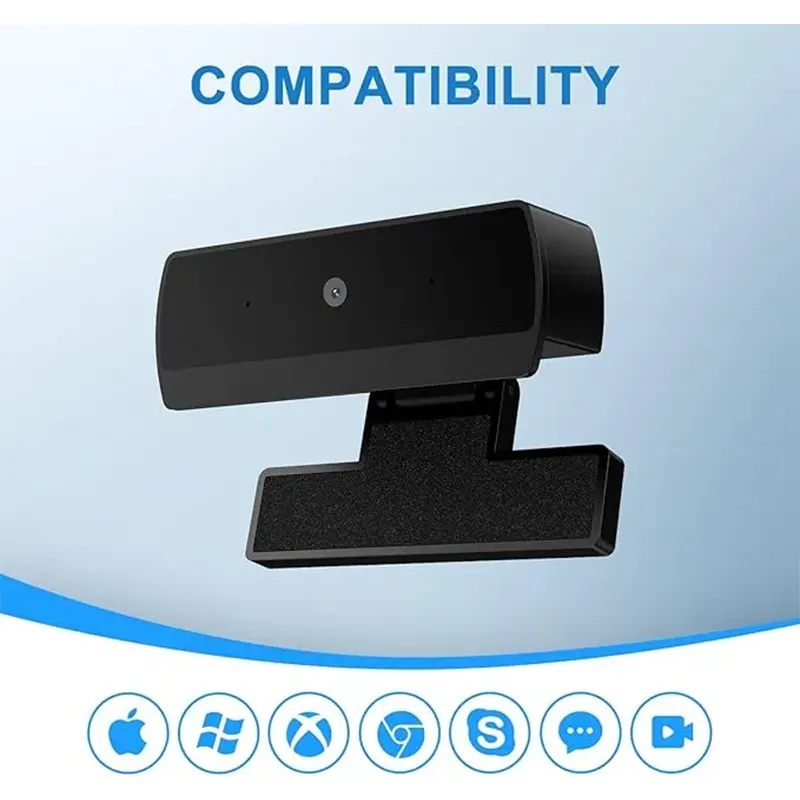
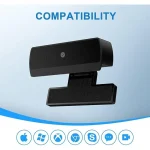
- High Compatibility & Multi Application- DICCIK K1 webcam for laptop is compatible with Windows 7/10/11, MacOS10.14 or later, Linux, Android TV 7.0 or later. The compatibility of the streaming camera is super wide for major software like Zoom, Facetime, Google Meet, Skype, YouTube and more. Whether this web camera is used for online studying/ teaching, home office, conference, meeting or video calling, the web camera is perfectly suitable for you 。
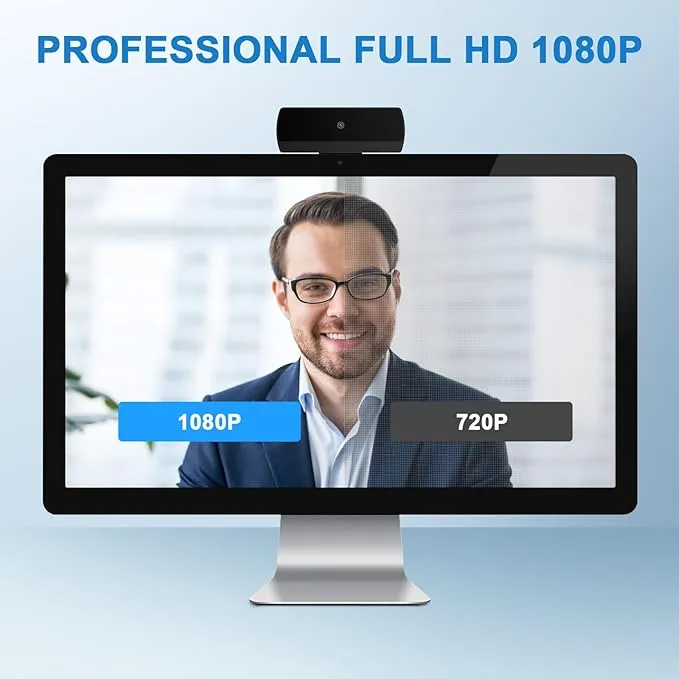
- Full HD Video and Wide Angle Lens – The DICCIK High Definition 1080p Webcam features a wide angle lens and delivers crisp clear images and fluid video at 30 frames per second while gaming, video calling, online teaching, live streaming, or recording.
- Built-In Noise – Cancelling Microphone – The noise-canceling microphone reduces background noise to enhance the sound quality of your video. Even in noisy surroundings, viewers can hear your voice loud and clear. Great for webinars, video conferencing, and live streaming.
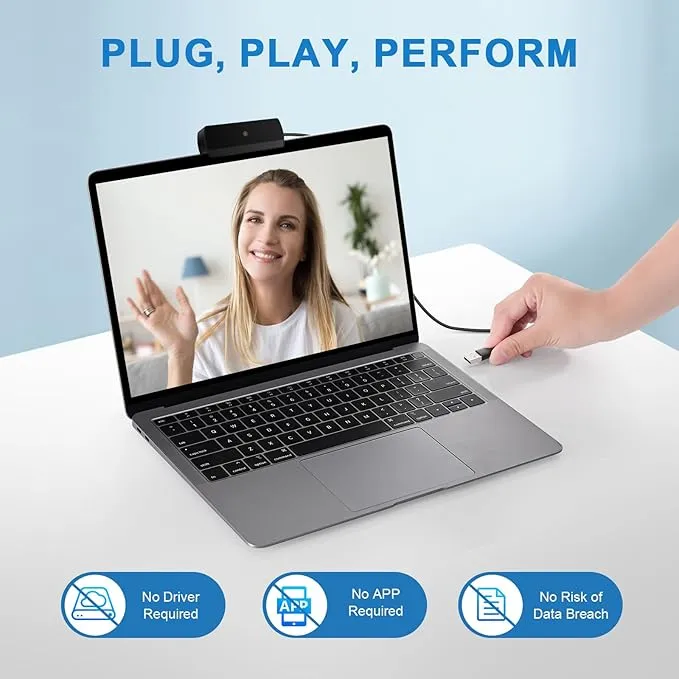
- Easy Plug and Play – Our easy-to-operate HD webcam works with USB 2.0, USB 3.0 and USB 3.1 and doesn’t require you to download additional drivers and it comes equipped with a 3.3ft USB power cable. Just plug the webcam into the USB port of your devices and use it right away!
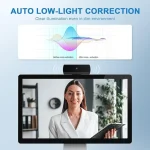
- Automatic Light Correction – The camera components is equipped with automatic light correction technology and can automatically adjust the image brightness and restore color according to the ambient light, helping you achieve the best optical effect.
Troubleshooting Guide
1. Connect the camera
Connect the USB port to the computer port
Tip: When using a desktop computer, it is best to connect the camera to the USB port on the back of the computer, which will be smoother to use.
2. After the installation is complete, you can start using it
3. There is no response after the USB head is inserted into the USB slot?
A: This device is a driver-free plug-and-play product, and there is no response when connected.
4. Is there no image or sound when the camera is turned on?
A: The screen will not pop up automatically after connection
You need to open the software you need to use.
Secondly, please turn on the computer and check the “Device Manager” to see if the camera driver is installed.
5. Is there a howling sound during the test call?
A: If you are testing the product, there may be signs of howling.
Phenomenon in near-field calls.
Please try to talk to a friend who is a certain distance away.
6. The relationship between the camera imaging effect and the opening.
The on-site light environment?
A: It is related, especially in the case of backlight, sidelight, and dim light, the video effect is not ideal.
You can achieve the ideal effect by turning on the fill light or indicating the direction.
7. Is the video effect of some instant messaging software not as good as the local video effect?
A: There is such a phenomenon, because some communication software considers the bandwidth and call volume, it will
Compress the pixels of the video image to meet the purpose of
Smooth call. (For example: the original 1080P imaging, some
Communication software will compress the video stream to 720P. So you see that the current video effect is not as good as the local one, which has nothing to do with the camera’s hardware.
–
For more web cameras visit
Amman Jordan
| Brand |
NO BRAND |
|---|
Only logged in customers who have purchased this product may leave a review.
Reviews
There are no reviews yet.